OSS4AI AI Stack · Season 1 · #1
by Yujian Tang
Original Season 1 comparison cover. Open full-size image
Start with the workload, not the popularity contest
A trained model needs software to load its weights and turn a prompt into an answer. That is the inference and serving layer of the AI stack. Ollama, llama.cpp, and vLLM all operate here, but they are not interchangeable answers to every deployment problem.
The useful first question is: who will send requests?
If it is just you on a laptop, convenience matters. If you need to tune hardware behavior or model formats, control matters. If many users share a GPU server, handling concurrent requests matters. Those priorities give you a better starting point than a repository's star count.
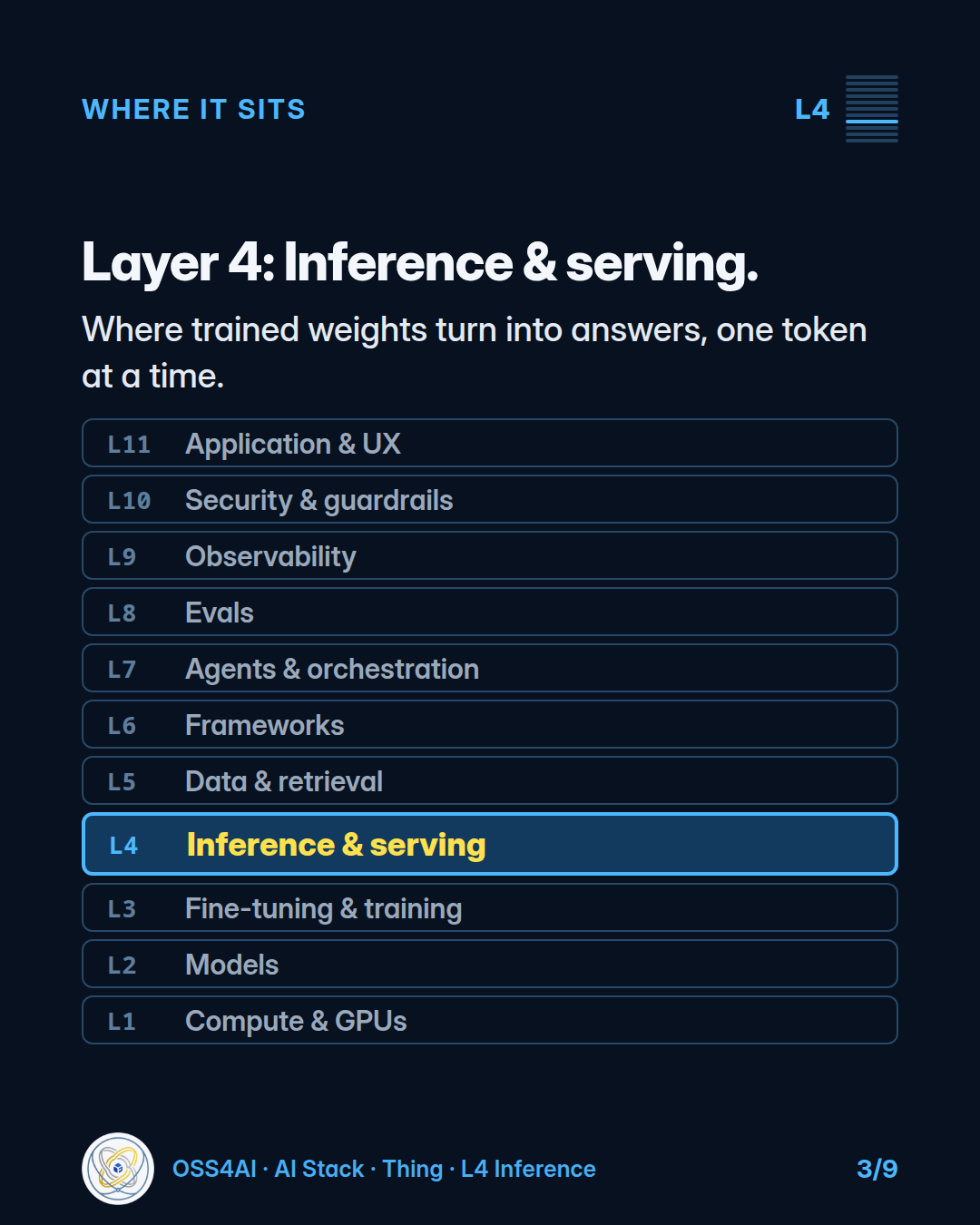
Where inference and serving sit in the stack. Open full-size image
Ollama: the convenient local entry point
Ollama packages model pulling, running, and a local REST API into a straightforward workflow. The original carousel used this example command:
ollama run gemma4
Its role is not to invent a separate kind of language model. It adds a convenient interface around inference backends. The original October 31, 2026 source check described llama.cpp as a backend and MLX support on Apple Silicon as a preview. This is historical context, not a statement about the current release on every installation.
For experimenting locally or building an application around a local model, Ollama is a sensible first choice. You can focus on the prompt and application before deciding how much engine-level control you need.
One setting deserves attention: context length. At the original October 31, 2026 check, the Ollama documentation listed defaults by available VRAM, including 4,096 tokens below 24 GiB. It recommended at least 64k for workloads such as agents and retrieval-augmented generation, configurable with OLLAMA_CONTEXT_LENGTH. Treat that as documented guidance, not a universal requirement for every agent or RAG application; your model and memory budget still matter.
llama.cpp: closer to the engine
llama.cpp is a C/C++ inference engine with GGUF model files and CPU and GPU backends. Its appeal is direct control over inference, hardware choices, and quantized models.
Quantization stores model weights using fewer bits. The original comparison lists support spanning roughly 1.5- to 8-bit quantization. That is a capability range, not a recommendation to choose the smallest representation regardless of quality.
The supplied server example is:
llama serve -hf ggml-org/Qwen3.5-0.8B-GGUF
Choose llama.cpp when its controls, file format, or hardware flexibility solve a specific problem. Direct control does not mean llama.cpp is limited to a single request. The distinction here is a workload recommendation, not a measured concurrency limit.
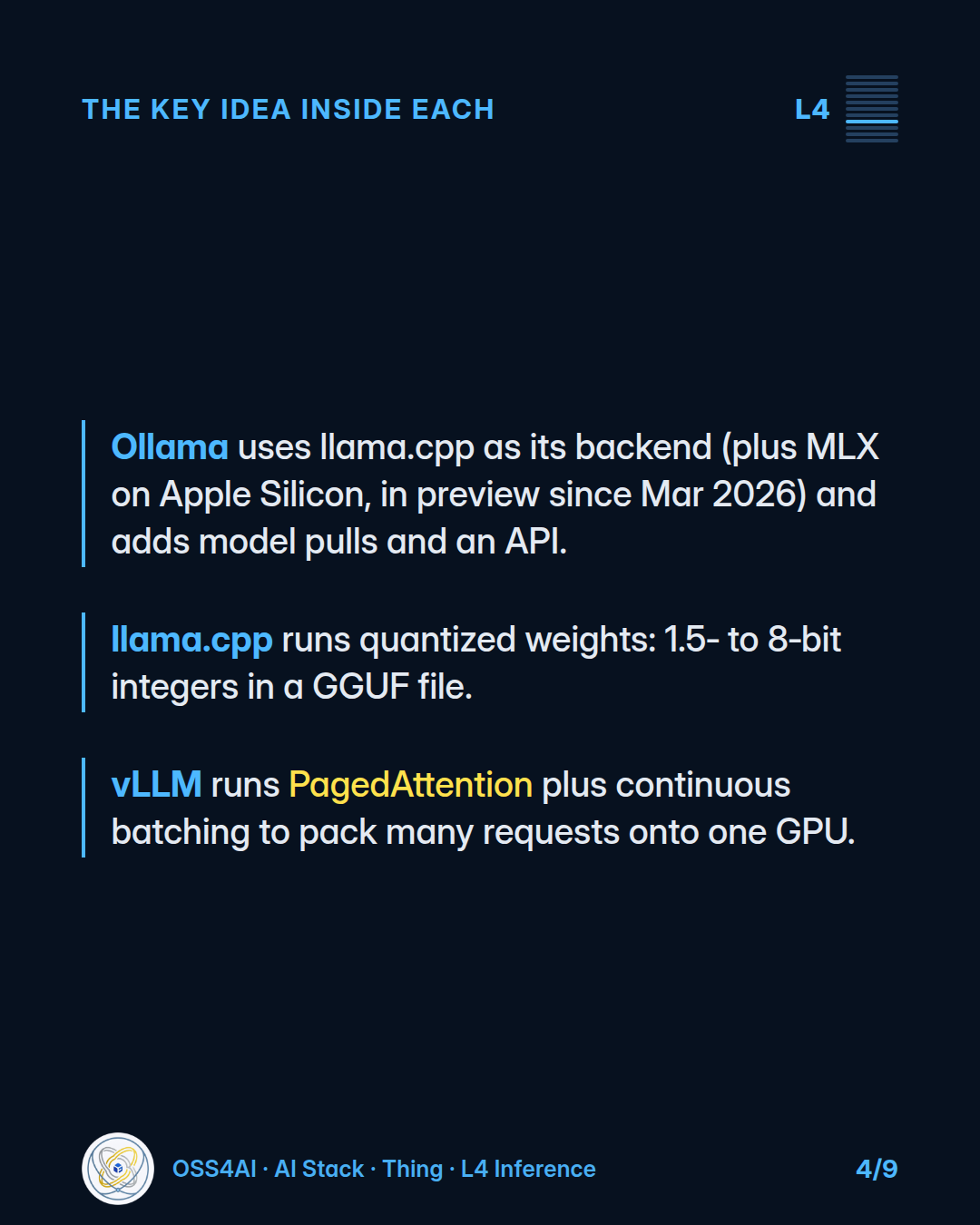
The engines emphasize different jobs. Backend and preview details reflect the original October 31, 2026 source check, not a newly verified release status. Open full-size image
vLLM: sharing GPU capacity across requests
vLLM emphasizes serving many concurrent requests. Two ideas help explain that emphasis.
Continuous batching lets requests enter and leave the batch at generation steps, rather than making every request wait for a fixed batch to finish. PagedAttention manages the key-value cache in pages, reducing wasted memory as requests grow and finish.
The supplied example starts an OpenAI-compatible server:
vllm serve Qwen/Qwen2.5-1.5B-Instruct
A shared GPU server where throughput matters is the natural starting recommendation for vLLM. It is not a claim that vLLM wins every benchmark, or that every deployment needs it.
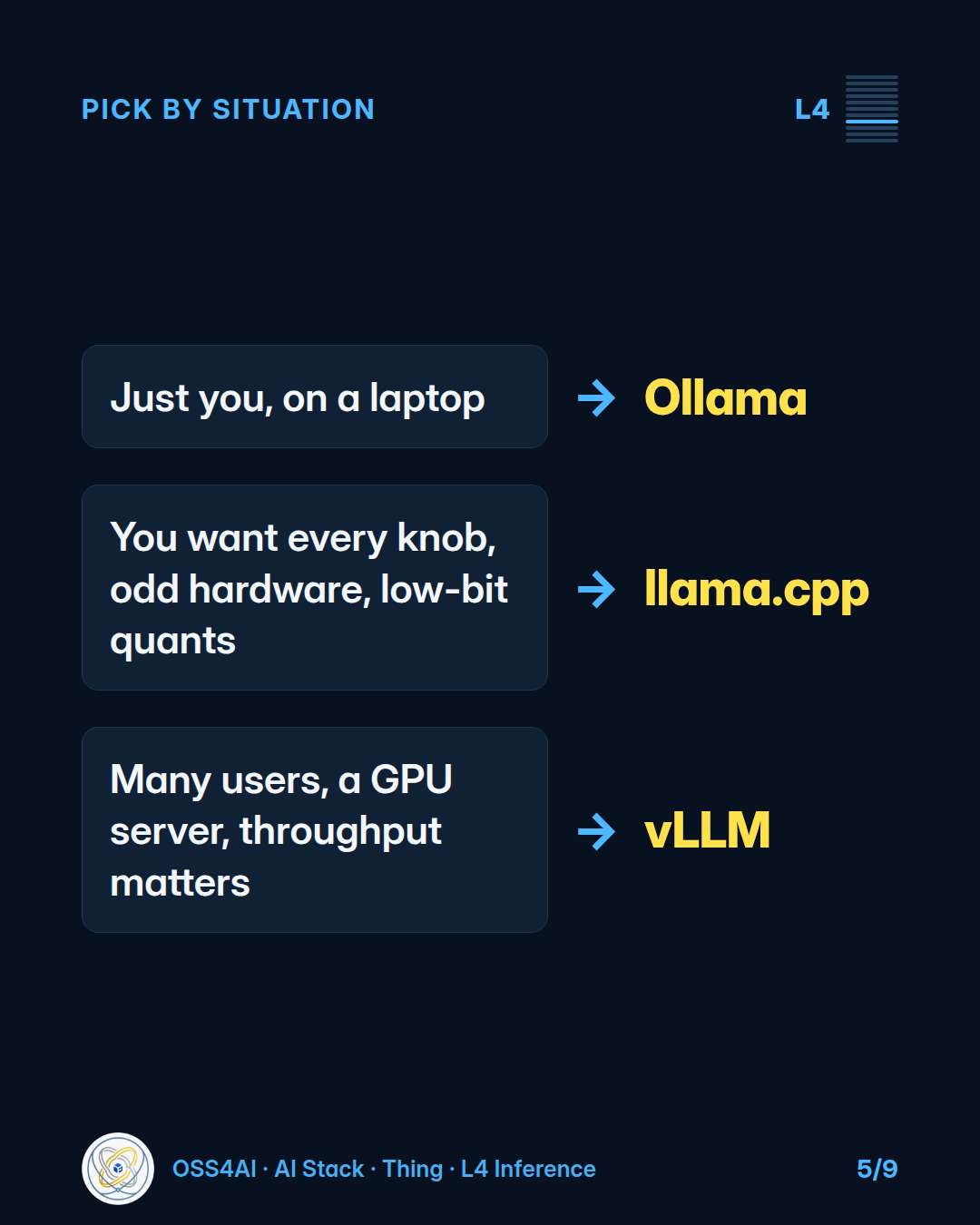
A workload-based starting point, not benchmark results. llama.cpp is not limited to a single request. Open full-size image
Similar APIs do not mean identical behavior
All three offer OpenAI-style API interfaces. That can reduce changes to client code, but compatibility is not identity. Ollama documents a supported subset. Model support, configuration, and runtime behavior still need checking when you switch.
The takeaway is a workload-based shortlist: Ollama for convenience, llama.cpp for control, vLLM for concurrent GPU serving. These are starting recommendations, not results from a benchmark run for this article.
Sources and scope
Adapted from OSS4AI AI Stack Season 1 #1. Commands and configuration details come from the original October 31, 2026 fact check and have not been retested for this draft. Check current documentation and available model tags before running them.

